
Dress designer: plan a dress and check it before you buy the fabric
Pick a commission, choose your patterns and materials, then check the requirements before buying or recutting fabric.
Patterns and fabrics


Accessories
Part overview only. Fabric drape, decoration placement and the finished garment are shown in the game.
Requirement checks
Choose a fabric for every part to see the full scores.
All style scores
Shares by area: none yet. Colours: none yet. Tag bars count 0 accessory pieces. Piece by piece shares.
Find a repair that keeps your patterns
Choose a commission and fill in your dress above. Search for a single-part fabric swap that meets every supported non-Quality requirement. Estimates use fixed panel areas, without client scaling or cutting waste. Cutting, sewing and fit still need a separate Quality check.
Set friendship stars for pattern unlocks
Choose a commission above to enable repair suggestions.
Save or share this design
One saved slot in this browser. A link carries your patterns, fabrics, accessories and the progress settings above. This does not change or sync a game save.
Find a one-part fabric repairSet your shop rank and friendship stars, keep the parts you like, then compare material swaps. See worked before-and-after examples.
Why the Sketchbook shows different numbers
The tag bars in the Sketchbook are a preview: each bar shows the pieces’ own score (leaving out a detached sleeve on a bodice without sleeves of its own), with a band for the positive tag values of the fabric swatches you picked, and accessories are left out. The finished dress is scored differently: each fabric counts by the part it is on, bodice 35%, skirt 40%, sleeves 15% and collar 10%, and every accessory is added on top. So before accessories, where the fabric part of a finished bar lands inside that band depends on which part each fabric goes on: a strong fabric on the collar lands near the weak end, the same fabric on the skirt near the strong end. Accessories can then take it past the band. This designer estimates those scores for a fully cut and placed dress.
How the scores are worked out
- Pieces
Every piece’s own tags count in full. Leaving the sleeves or collar off counts too: No Sleeves and No Collar carry a little Cool and Simple. Details on what each pattern adds.
- Fabric
A fabric’s tags count by the share of its part; with no sleeves or no collar, that share goes to the other parts. The fabric finder lists every fabric’s tags.
- Accessories
Counted from the strongest down, each worth 0.85 of the one before; trim counts by length; and each piece adds 1 Elaborate. The accessory finder explains the stacking.
- Shares and cost
Fabric and colour rules count area, a many-coloured fabric sharing its area among its colours. The fabric cost is the game’s own valuation, each piece’s area plus 10% plus a small fixed amount, at the fabric’s price; with the accessories it makes the Materials line on the sale screen. What you pay in the shop is a separate matter: you buy whole lengths, so the bill can be higher.
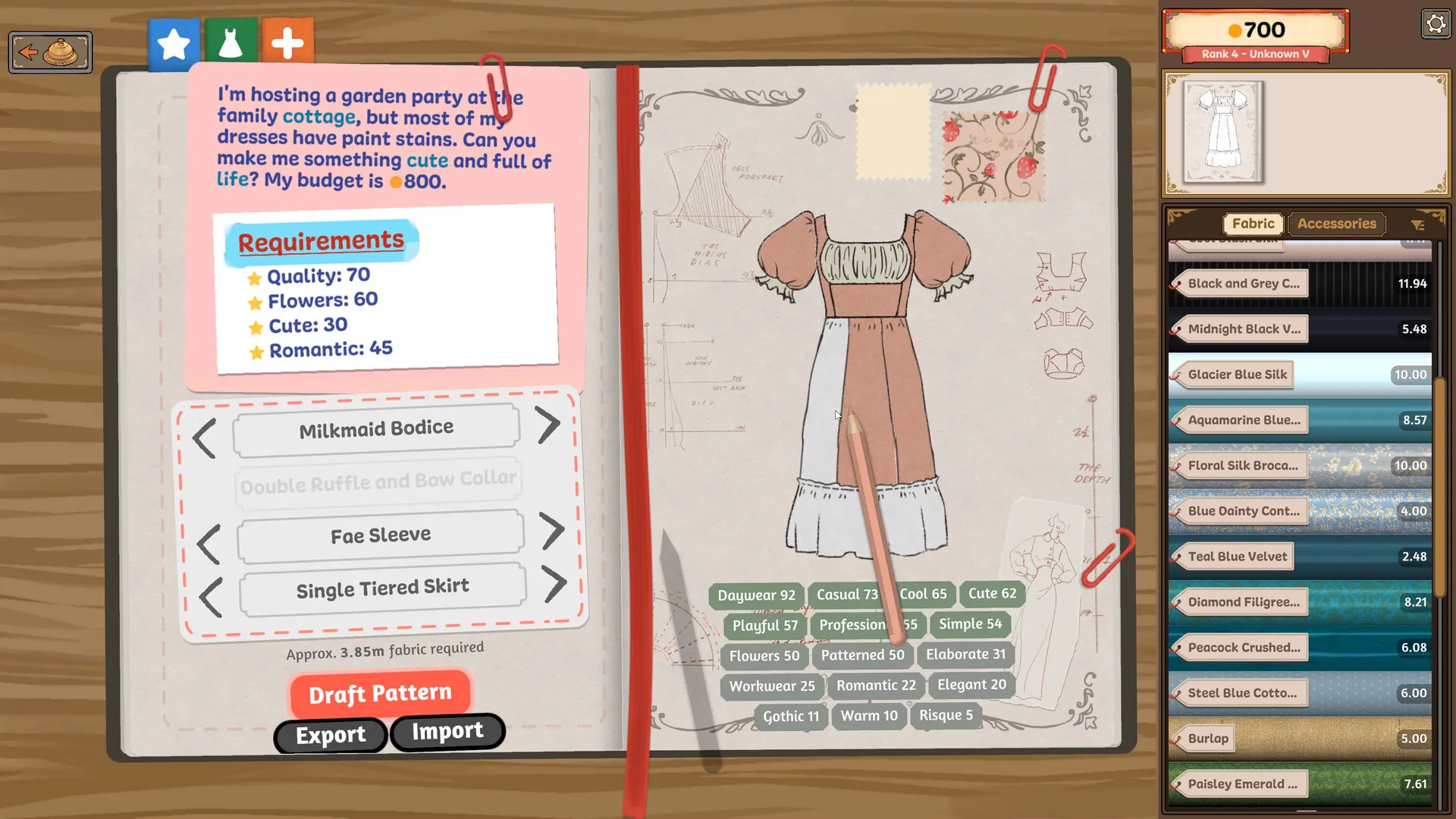
What it cannot tell you
These estimates use Build 410 rules and fixed, unscaled panel meshes. Client scaling, actual cutting layouts and later game updates can change the in-game readout. Quality depends on how well you cut and sew and on the client’s measurements, so Quality lines stay open: see getting 100% quality. The designer uses one fabric per part, while the game lets each piece have its own; for mixed parts, work piece by piece in the fabric share planner. Beaded trims also count their beads towards jewel, tassel and bell lines, and the game shows that number as you place them. Once the dress is made, the pass-or-fail checker reads the numbers straight off the screen.