
Dressmaker platforms: PC, Mac, Steam Deck and what is coming
You can play Dressmaker today on Windows and Mac through Steam, and on a Steam Deck, which Steam rates Playable. Switch and mobile versions are planned without a date. PlayStation and Xbox have not been announced.
Where you can play it
| Platform | Can you play it? | What to know |
|---|---|---|
| Windows PC | YesOn Steam | Windows 10 or later. Requirements below. |
| Mac | YesOn Steam | Apple M1 or newer listed as the minimum. |
| Steam Deck | PlayableSteam rating: Playable | Runs well; a few buttons need mapping. Details below. |
| Linux | NoNot a Steam platform | The store shows Linux requirements, but Linux is not a listed platform. The free itch.io prototype has a Linux build. |
| Nintendo Switch | PlannedPlanned, no date | Announced as planned. What is known. |
| Mobile | PlannedPlanned, no date | Announced alongside Switch; no store named yet. What is known. |
| PlayStation, Xbox | NoNot announced | Switch and mobile are the only ports the studio has named. |
What your computer needs
These are Steam’s minimums. The game has no separate recommended specs.
| Windows | Mac | |
|---|---|---|
| System | Windows 10 or later | – |
| Processor | Intel Core i5 or AMD Ryzen | Apple M1 |
| Memory | 8 GB RAM | 8 GB RAM |
| Graphics | Intel UHD 630 or Better | – |
| DirectX | Version 11 | – |
| Storage | 2 GB | 1 GB |
Steam Deck
Steam’s rating
Playable
Steam tested it on the Deck. What passed and what did not:
| Steam’s check | Result |
|---|---|
| Some on-screen button icons do not match the Deck's buttons | Note |
| Some text is small and may be hard to read | Note |
| The display has minor issues that do not stop play | Note |
| The default controls are fully functional | Passed |
| Runs well with the default settings | Passed |
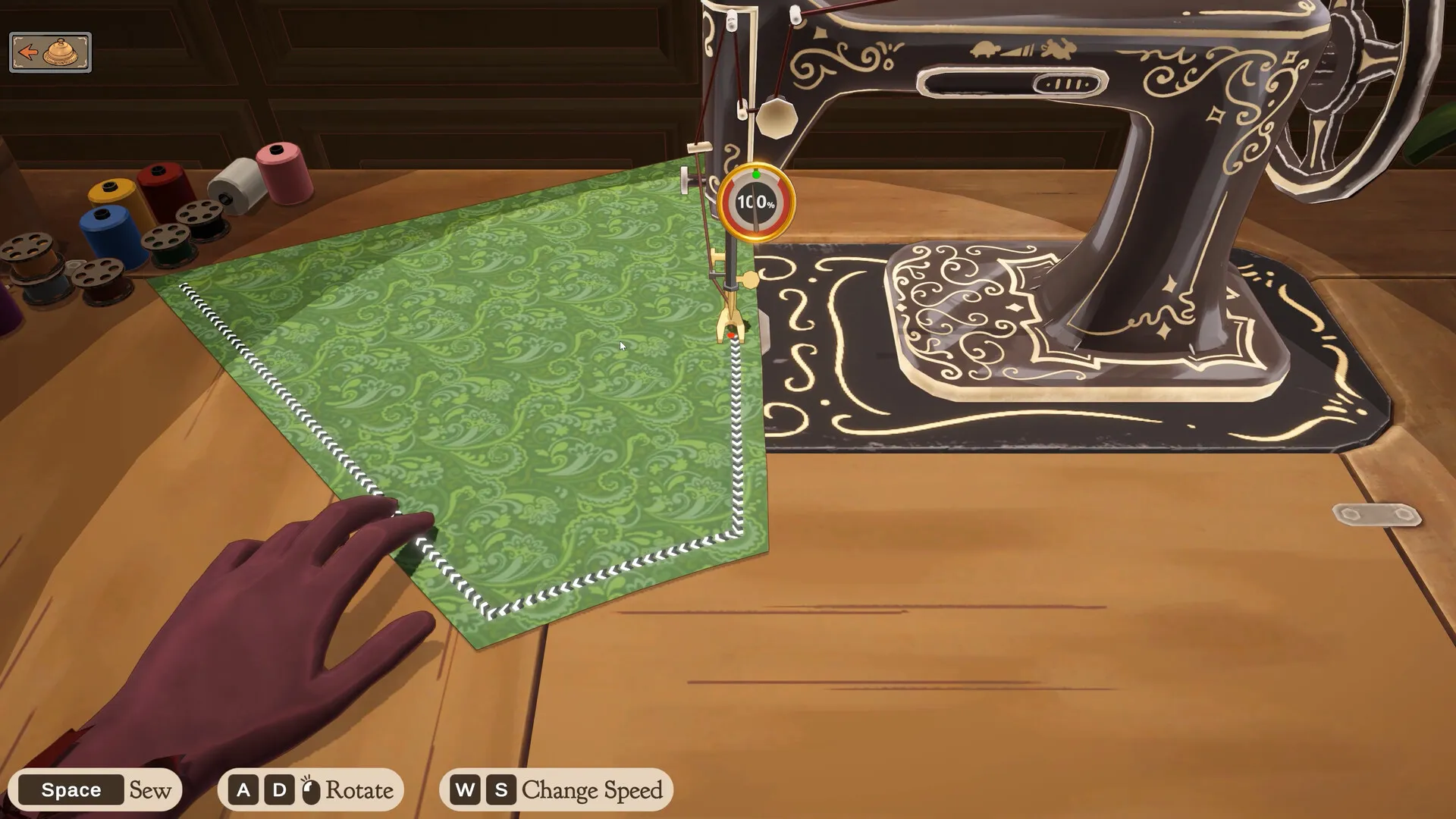
The studio says it runs smoothly on the Deck but the controls are fiddly there for now. Map a button to zoom (Z or middle click) and turn on Sewing Assist, which is on getting 100% quality. A full button map to copy is on Steam Deck controls.
Mouse, keyboard or controller
| Way to play | Supported? | Notes |
|---|---|---|
| Mouse and keyboard | Yes | The way the game is designed to be played. |
| Mouse only | Yes | Steam lists a mouse-only option. |
| Controller | No | No official support yet; the studio says it is looking into it. Map buttons yourself in Steam Input. |
| Timed input | Yes | Nothing has to be done against a clock. |
Every key and mouse move is on controls.
Languages
| Language | Text | Full voice acting |
|---|---|---|
| English | Yes | Yes |
| Simplified Chinese | Yes | Yes |
| Japanese | Yes | Yes |
Whether more languages are coming is in the FAQ.
Steam features
| Cloud saves | Yes | Steam Cloud availability does not guarantee cross-platform save compatibility. Check missing progress when moving machines. |
|---|---|---|
| Achievements | Yes | 32 of them: the full list. |
| Family Sharing | Yes | Listed among the game’s features. |
| Separate volume sliders | Yes | Steam lists custom volume controls. |
What it costs in each region is on price.