
Photo mode: backgrounds, saving, going back to the dress, and sharing it
Photo mode is the last step of every dress: pose it, pick a backdrop and the light, take the photo, then hand the dress in, sell it, give it away, or go back to work on it. The questions players ask most, answered from the game itself.
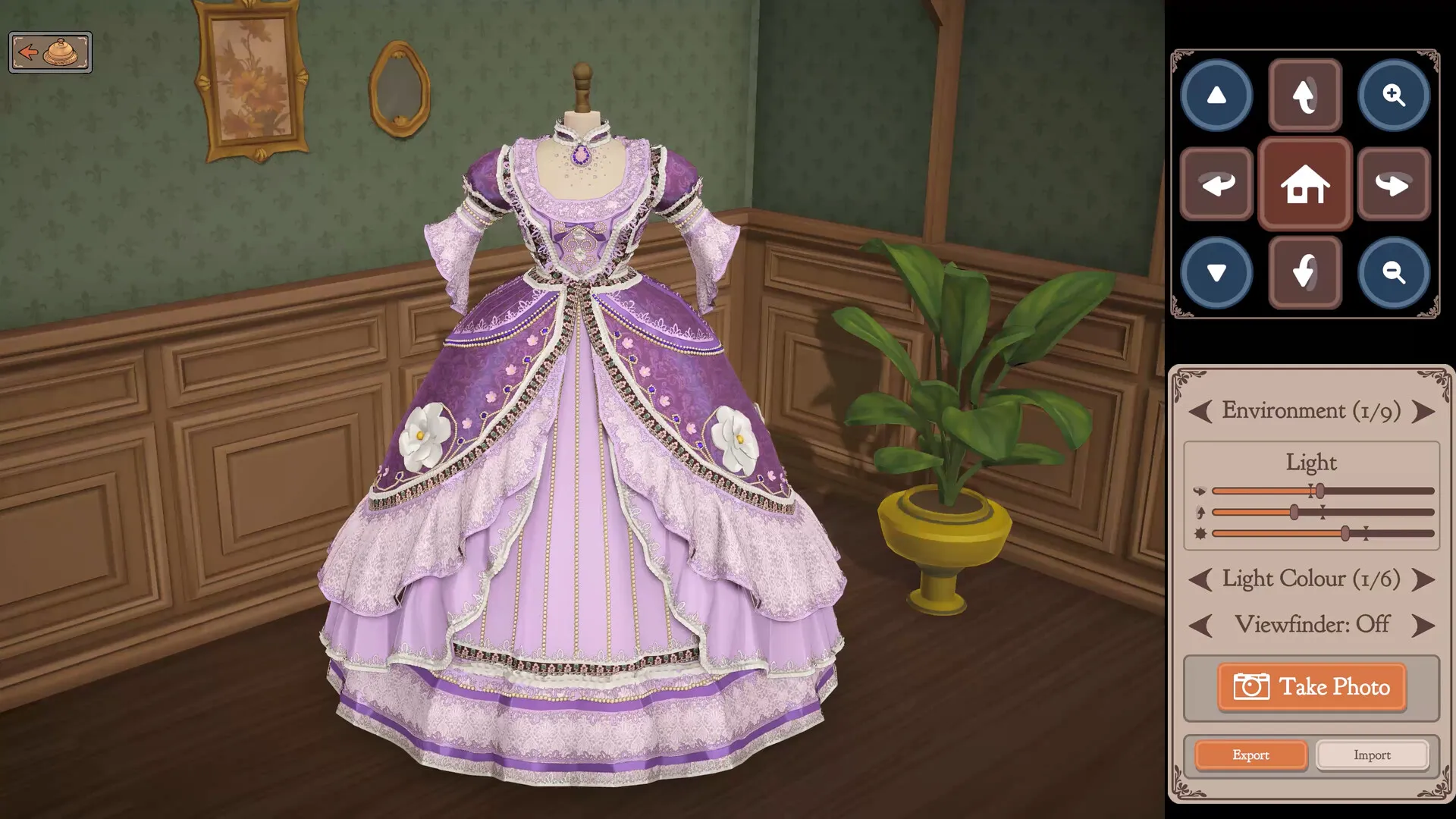
Can I go back and change the dress?
Yes, but the way back is after the shutter. Press Take Photo, and the box that follows offers Return, Continue, Sell and Gift: Continue takes the dress back to the mannequin, unfinished, so you can add or take off accessories and carry on. Taking off stitched pieces uses the seam ripper, on getting 100% quality.
How do I unlock more backgrounds?
There is nothing to unlock. Every backdrop is there from the start: click the arrows beside Environment, and the counter shows which one you are on. The photo scene holds 12 of them, from the room with the potted plant to marble stairs, a cherry blossom room, sunflowers and a starry backdrop. The light colour beside it cycles the same way.
Where are my photos saved?
Wherever you choose. Save opens your computer’s own save window, and the photo is written as a PNG with the game’s watermark. Retake Photo throws it away and lets you try again.
Can I clear fabric and accessories I no longer want?
Not in this version. The only thing you can throw away is a length of fabric at the cutting table, while you cut. Using leftovers for off-the-rack dresses is on making money.
After the photo
| Return | Hands the dress in to the client. If it misses a line on the card, the game warns you first and lets you go back to it. Check a dress first with the pass-or-fail checker. |
|---|---|
| Sell | Shows the price before you confirm. How the price is made is on making money. |
| Gift | Once gifting has opened. What each client likes is on gifts. |
| Continue | Back to the mannequin to keep working. |
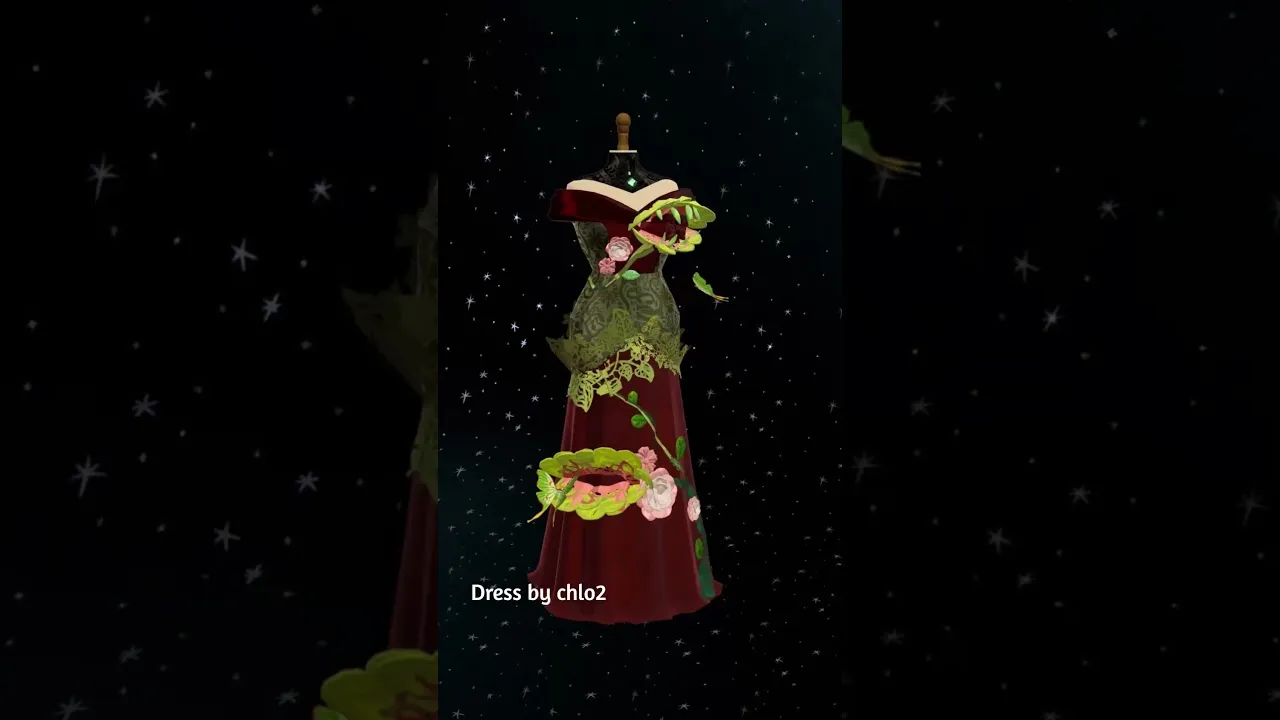
The dresses players are photographing right now, and how the painting dresses are drawn with trim, are on painting and character dresses.