
Dressmaker controls: zoom, spin, sew and flip
The scroll wheel does not zoom. It spins the mannequin, and zoom lives on Z and the middle mouse button. If the camera will not do what you want, start there.
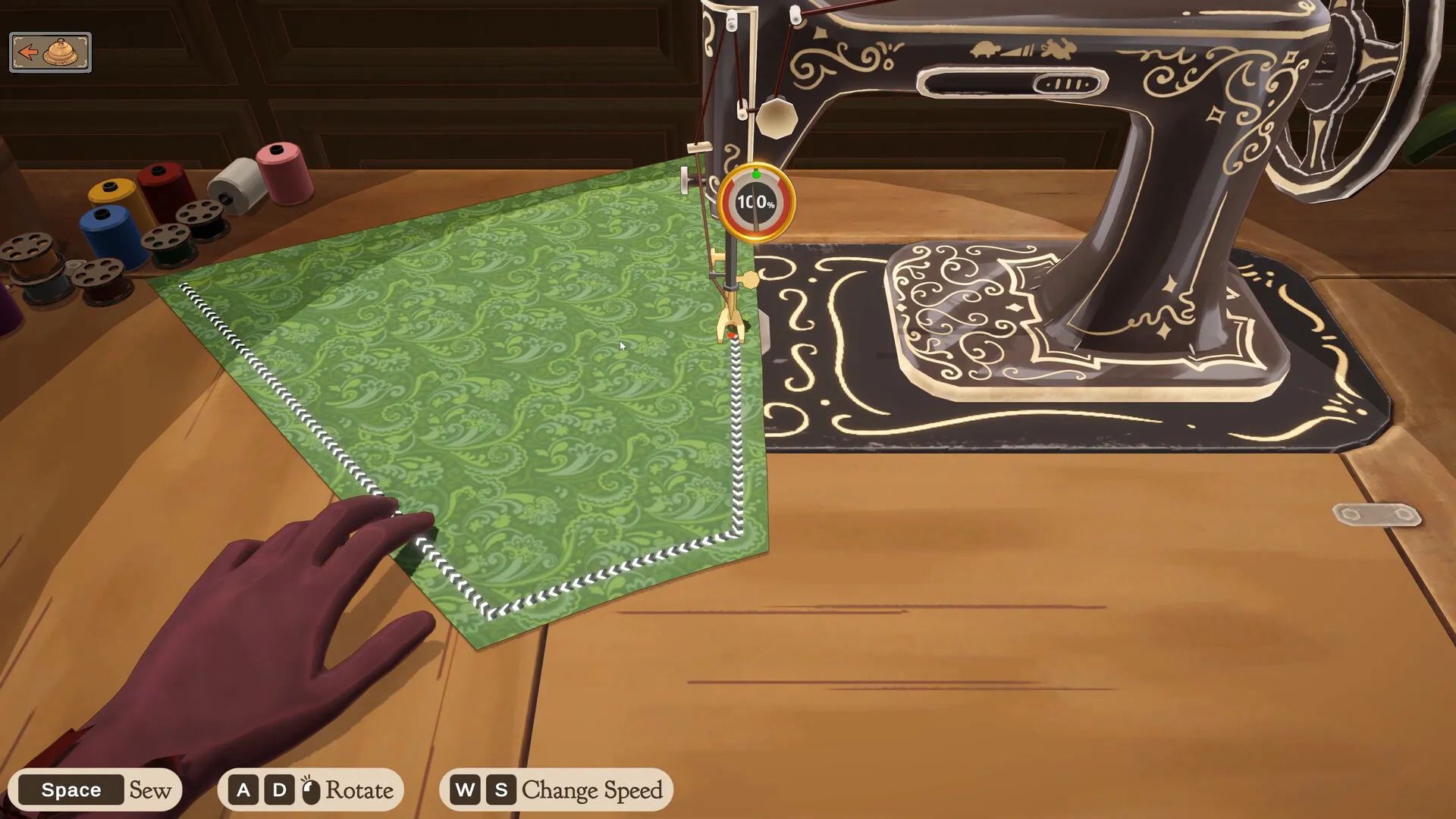
| To | Mouse | Keyboard |
|---|---|---|
| Anywhere with the mannequin | ||
| Turn the mannequin (full view) | Click and drag, or scroll the wheel | A D or ← → |
| Turn the mannequin (zoomed in) | Scroll wheel | Page Up / Page Down |
| Zoom in on one spot | Click the middle button on the spot | Z |
| Zoom back out | Click empty space off the dress | – |
| Pan while zoomed | – | W A S D |
| Orbit the camera | Hold the middle button and move | – |
| Sewing machine | ||
| Sew | – | Space |
| Turn the fabric | – | A D |
| Change speed | – | W S |
| Placing accessories | ||
| Rotate the item | – | Q E |
| Place several in a row | – | Shift |
| Placing lace and trim | ||
| Flip which way it faces | Drag the other way | – |
Spinning the mannequin
Click and drag the mannequin, or use A and D or the arrow keys. A and D only turn it at full view. Once you are zoomed in, those keys pan instead, so turn it with the scroll wheel or Page Up and Page Down. The scroll wheel works at any zoom. On a Steam Deck with the default keyboard-and-mouse layout, L1 and R1 do the scroll wheel’s job and turn the mannequin.
Zooming in and out
Click the middle mouse button on the part of the dress you want and the camera zooms to it; W, A, S and D then pan, and holding the middle button orbits. The zoom is also on Z. If the middle click does nothing for you, point at an area and tap Z twice instead. To zoom back out, click any empty space off the dress. The accessory placement keys, Z included, are on lace trim and accessories.
Making lace face the other way
Lace and trim follow the direction you drag: dragging left to right or right to left switches which way it faces. To get lace facing outwards on both sides of a bodice, lay the left side one way and the right side the other.
Controllers and the Steam Deck
There is no official controller support yet; it is planned. The Deck answer and the planned ports are on platforms and Steam Deck.
Next: how a dress gets made, from measuring to Finish Dress, and getting 100% quality once the controls are second nature.