
Dressmaker bugs and fixes
Known problems, what helps, and which ones have been patched. If you hit one that is still open, report it on the Steam discussion board with your save file.
Does the problem begin with a mod installation? Check the loader menu, installed pack and restart separately.
Saving disabled or protection failed
A modded dress lost its materials
Find your symptom
No fix yet
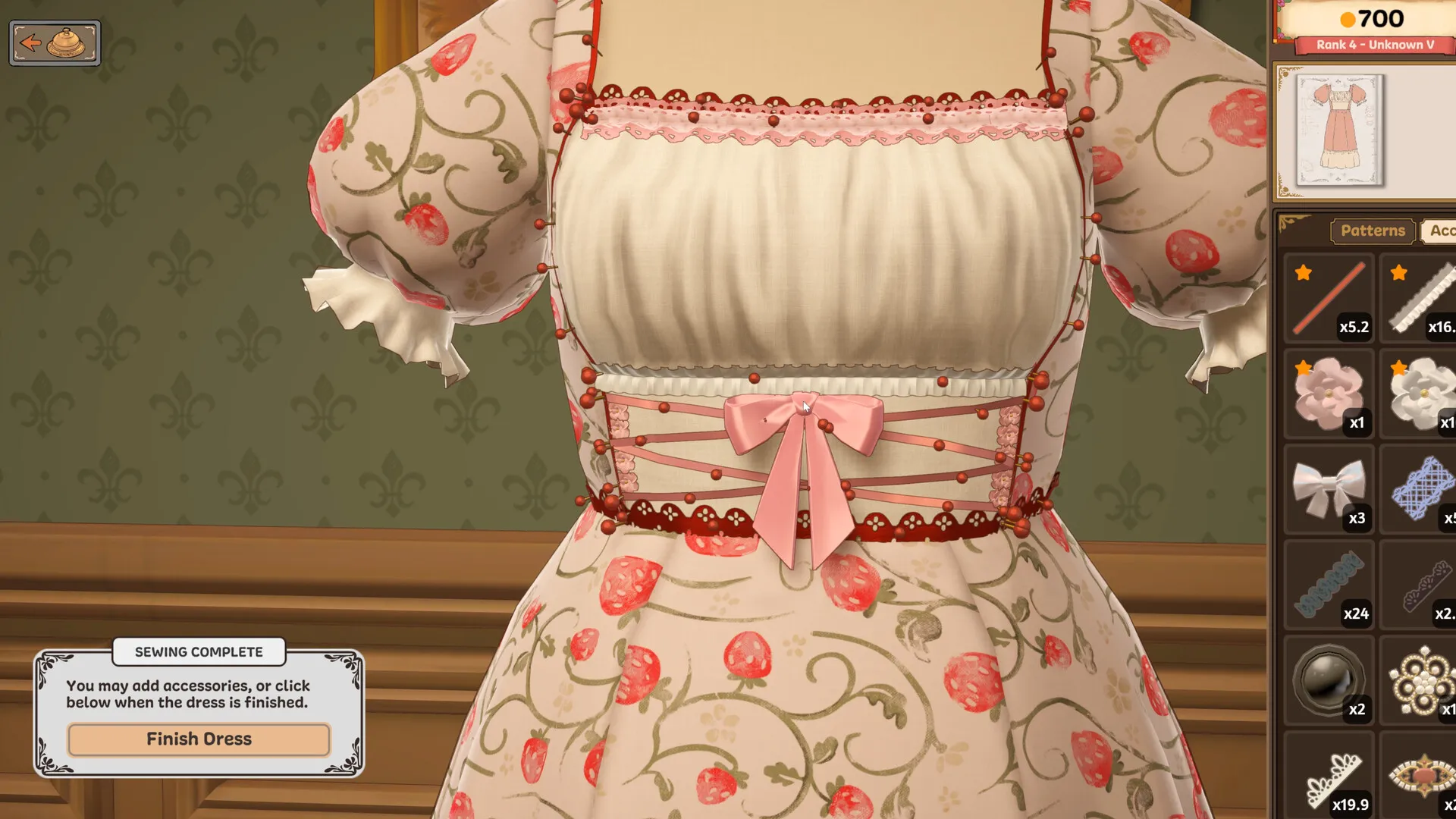
Sewing Assist steers away from the seam at a Godet Skirt corner.
Check the Sewing Assist and speed settings first: dragging the fabric or holding rotation keys overrides assisted steering. If it still veers off at the same corner with manual input released, there is no verified Godet-specific fix here. Stop before repeating the affected seam; record the pattern variant, corner, platform, game version and assist setting for a bug report. Lower speed is a diagnostic check, not a confirmed repair. Do not recycle the entire dress to test it.
No fix yet
A double-layer ruffled bow collar has no seam icon, so the dress cannot be finished.
If this happens, check for an unplaced collar piece and inspect the seams from both sides, then follow the general missing Finish Dress checks. These checks do not establish a fix for this collar. There is no verified collar-specific workaround here; save the game before trying a restart and include the exact pattern name, a screenshot of the missing seam and your save file in a bug report. Do not recycle the whole dress merely to test an unconfirmed fix.
No fix yet
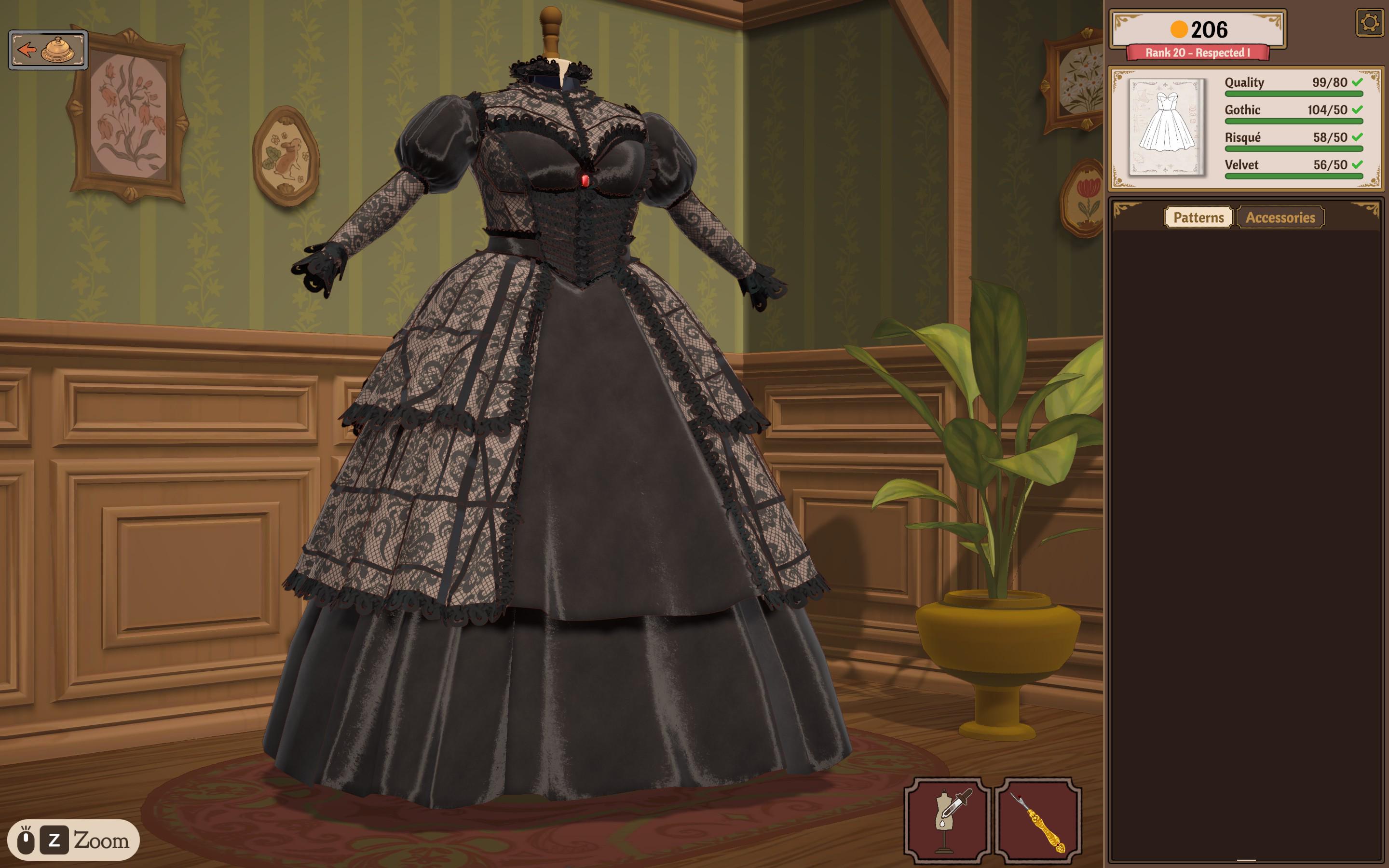
A panel turns see-through, then disappears, and Finish Dress stays missing.
Start with the missing piece and seam checks. A missing fabric panel still prevents completion even if every card requirement is green. If the panel remains absent after checking the cutting tables, both inventory tabs and a reload, repeating a restart is not a dependable fix for this case. Include the pattern name, game version and a screenshot when reporting it on the Steam discussion board. Avoid recycling the whole dress merely to test an unconfirmed fix.
No fix yet
The sewing machine will not go back to the mannequin after sewing.
A restart of the game gets you back to the mannequin, though the problem can come back later in the same dress.
No fix yet
Used trim stays in the inventory showing 0.00.
No fix yet.
Workaround
An open commission disappears after pressing Make a New Dress.
Turn the sketchbook’s pages with the folded corner at the bottom left rather than the tabs; the card usually sits on the page to the right. More on commission disappeared.
Workaround
A commission started before saving is gone after reloading, and neither the bell nor the bird brings the next one.
Try turning the sketchbook’s pages all the way through, or selling a dress. Both are on commission disappeared.
Workaround
A pattern piece disappears while unpicking seams and does not return to the side panel.
Quitting to the desktop and starting the game again can bring a missing piece back. It does not restore every disappearing panel; if the piece first became see-through and is still missing, use the transparent panel checks.
No fix yet
Recycled pieces do not give fabric back.
It does not always work, and the cause is not clear. First check whether the piece sat on a strip you had already cut away from the bolt: fabric from that strip does not come back. The steps for recycling are on getting 100% quality.
No fix yet
The measurements box bounces up and down while measuring and will not take input.
No fix yet. Once a reading does take, compare it with the usual numbers on client measurements.
Workaround
Flutter Sleeves have two Right Cuff Frill pieces and no Left Cuff Frill label.
Do not discard a cuff piece just because its name repeats. Try following the small placement image and each piece’s shape instead of the left/right label. Keep both cuff pieces: the repeated name does not make one a spare. If Finish Dress is still missing after placing both pieces, check the remaining pieces and seams. Compare the shape’s tags in the pattern finder.
 Flutter Sleeve — sketchbook icon.
| Label in the data | Pieces |
|---|---|
| Sleeve Right Cuff Frill | 2 |
| Sleeve Left Puff | 1 |
| Sleeve Left Wing | 1 |
| Sleeve Right Wing | 1 |
| Sleeve Right Puff | 1 |
The two cuff entries share a name. The label alone does not tell you which cuff goes on which side; use the in-game placement preview.
No fix yet
Both front pieces of the Corset Bodice are labelled Bodice Front Front Left.
The two pieces face opposite ways under the same label, so go by their shape. No fix yet.
Workaround
Tassels and bells hang upside down along a trim.
Remove the trim and draw it again in the opposite direction; the hanging pieces flip with it. More on lace trim and accessories.
No fix yet
Rouge Crushed Velvet carries only the Velvet and Red tags.
It counts toward Velvet and Red goals and nothing else, so when a card wants a style tag from its velvet, pick a different velvet. No fix yet.
Fixed
A high-pitched tone plays at the sewing machine.
Update the game: the zoom and sound hotfix removes a high-pitched sewing-machine sound. If you still hear it, include the scene and installed version in a bug report. The separate cutting sound has not been confirmed fixed.
No fix yet
A high-pitched tone plays when several fabric pieces are cut at once.
The sewing-machine sound fix does not confirm a fix for this cutting-room symptom. Record which cutting action triggers it and report it if it remains after updating.
Fixed
A commission the client did not love paid nothing.
Fixed in the first patch, Build 403: a delivered commission now pays the card’s full budget, pass or fail.
Before you report one
- If the game itself will not start, save, or keeps a laptop hot, that is a different list: crashes, saves and lag.
- Check the patch notes: the first patch fixed an invisible cursor in the cutting tutorial, the Back button in the shop tutorial and the single keyhole bodice as well. All of it is on patch notes.
- If a dress falls short on Quality rather than on a button, it is usually grain alignment or straying off the seam line: see getting 100% quality.
- If a lace trim goal will not fill, check the lace is tagged as lace trim: see lace trim and accessories.